Scan the Sudoku
Hold your iPhone over the puzzle. SudoFlash finds the 9×9 grid and reads the printed digits.

Your Sudoku assistant
Point your camera. Check the digits. Understand the next logical move. SudoFlash turns your printed puzzle into a clear digital board.
Local-first AICore scanning and Sudoku logic work offline on your iPhone
For iPhone · iOS 18 or later
SudoFlash recognises printed puzzles, lets you verify the scan and explains the next logical move without taking the puzzle away from you.
Hold your iPhone over the puzzle. SudoFlash finds the 9×9 grid and reads the printed digits.
Correct uncertain or misread cells before you continue.
A hint reveals exactly one move and explains why the digit belongs there.
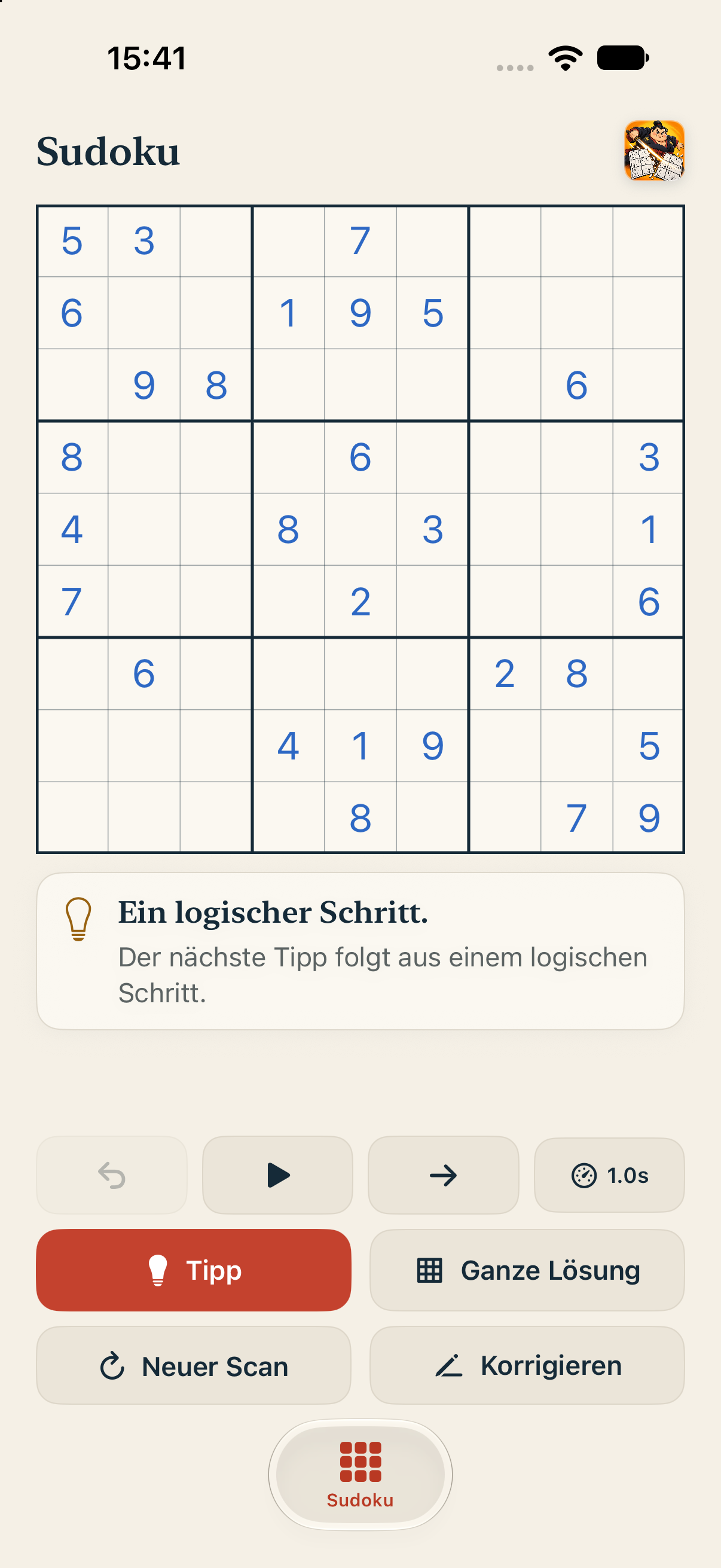
Choose how much help you want: one logical hint, one selected cell or the complete solution.
Our Sudoku fighter handles the drama. You keep control of the puzzle.

The scanner detects your printed puzzle and transfers the digits into the game.

One cell. One digit. One understandable reason.
Core grid detection, digit recognition and Sudoku logic run on your iPhone. Full camera images, recognised puzzles and puzzle history stay on your device.
The essentials about scanning, privacy and release.
SudoFlash is available in the Apple App Store for iPhone and iPad. Use the download button on this website.
It is optimised for clearly visible printed 9×9 Sudoku on paper or a screen.
Yes. Core grid detection, digit recognition and Sudoku logic work offline. On compatible iOS 27 devices, SudoFlash may use Apple Private Cloud Compute for a small number of difficult printed digits when a network is available.
No. Your scanned puzzles are stored locally on your device.

SudoFlash is available for iPhone and iPad. Download it now from the Apple App Store.
Download on the App Store